|
|
|
| Step 2. Enter Input Details |
To enter input details for notices not beginning with "AM":
a) Select Notice Issued Month/Year;
b) Enter Vehicle Number if you want to further filter by Vehicle Number (optional);
c) Enter Notice Number if you want to further filter by Notice Number (optional);
d) Click  to select notices to furnish;
e) Click if you agree to all the given Terms & Conditions.
f) Click to select notices to furnish;
e) Click if you agree to all the given Terms & Conditions.
f) Click  ; ;
 NOTE If there's no notice, the following screen will be displayed:
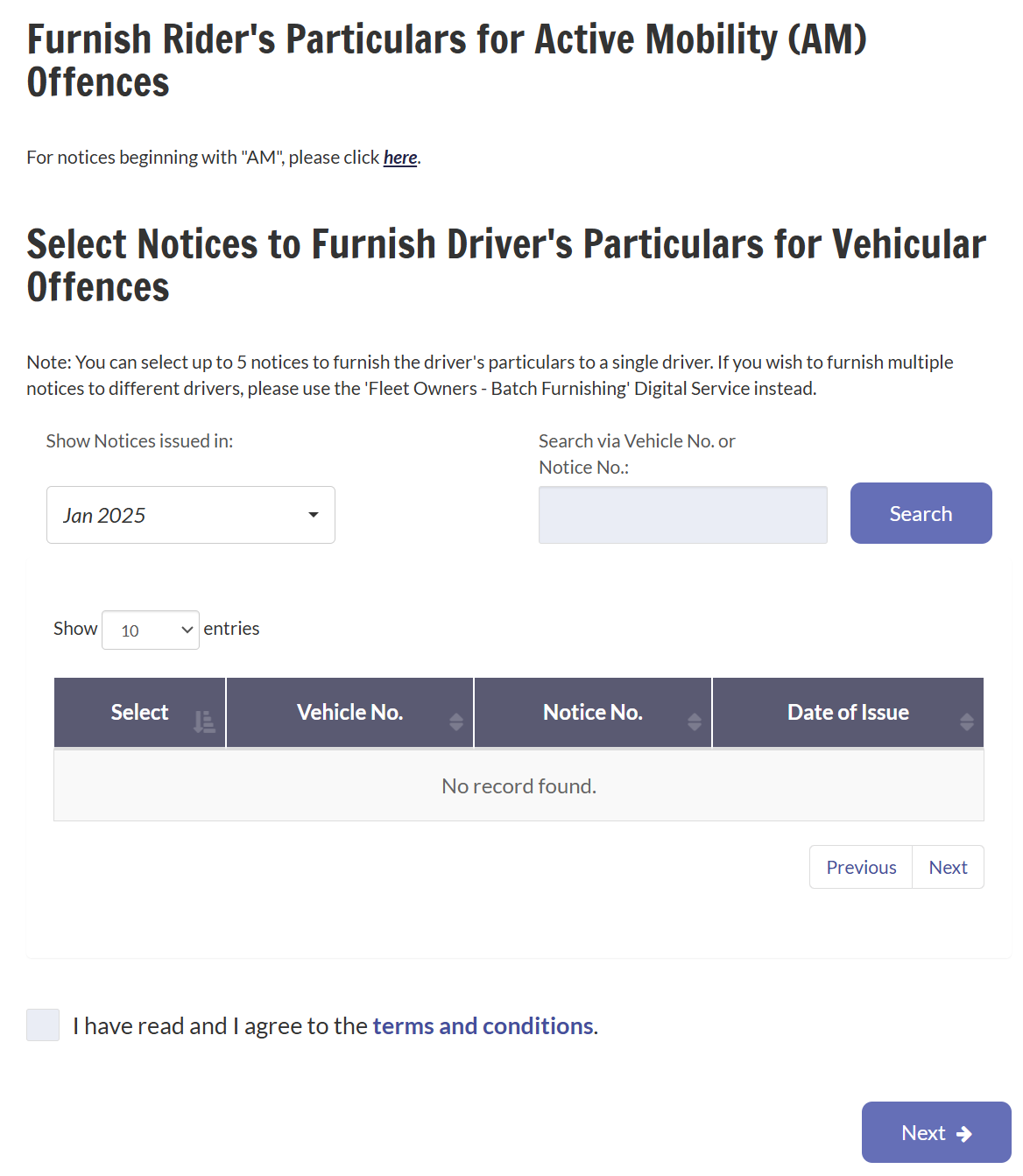
 Top Top
|
|
|